

Let's do it together!
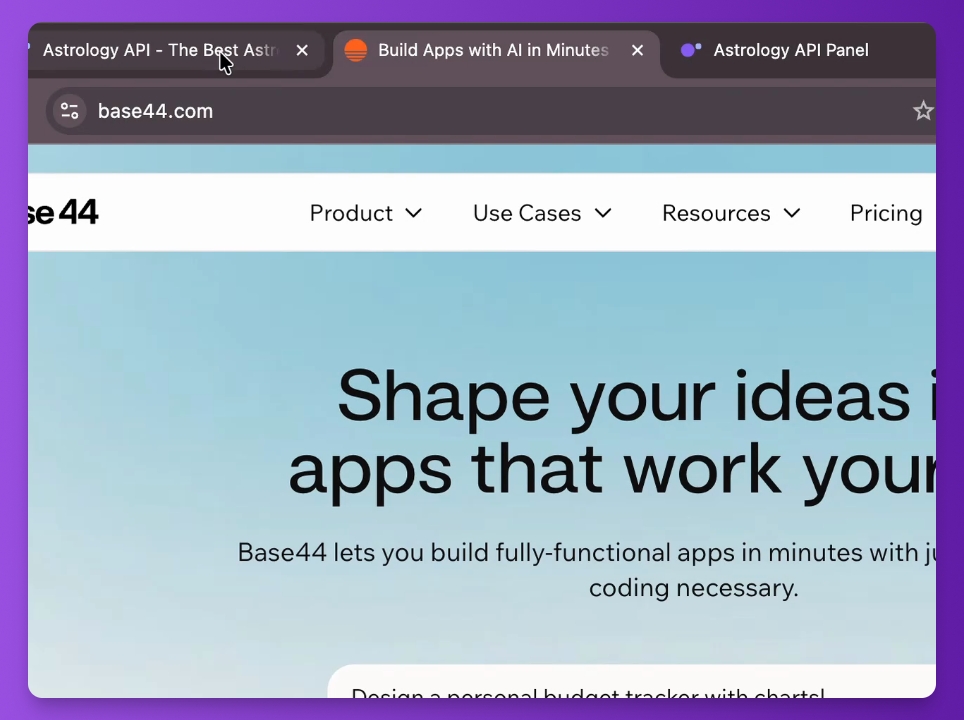
Step 1: Start the app
Begin by opening the astrology API and setting up your app using the provided base 44.
Step 2: Use the magic prompt
Locate the magic prompt in the document linked to this video to create the app.
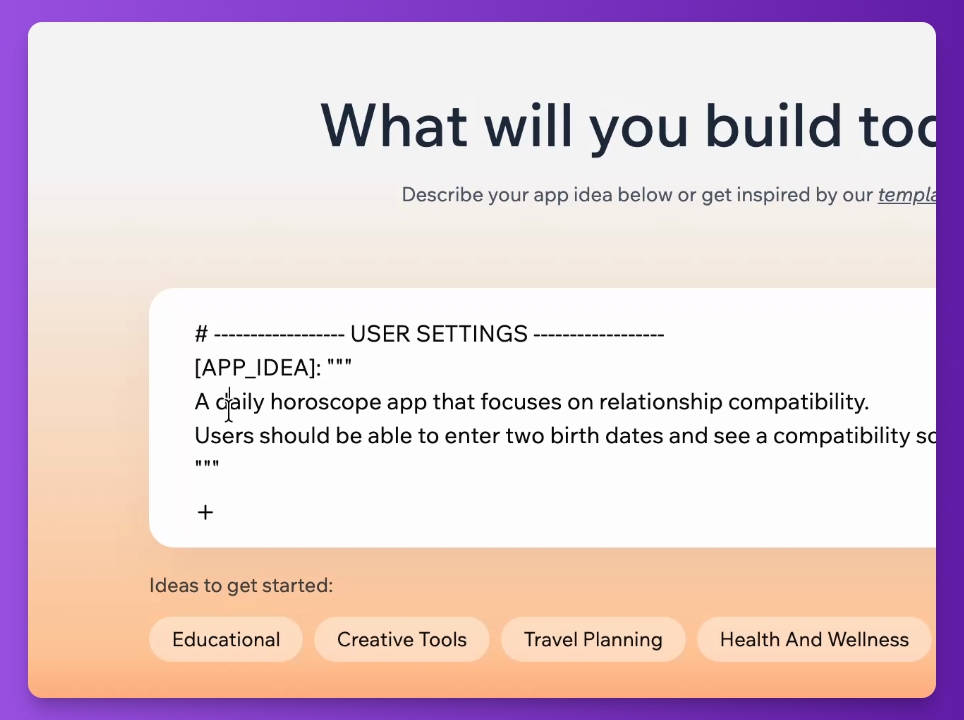
Step 3: Set app ID
Specify the app ID, focusing on the daily horoscope app for relationship compatibility.
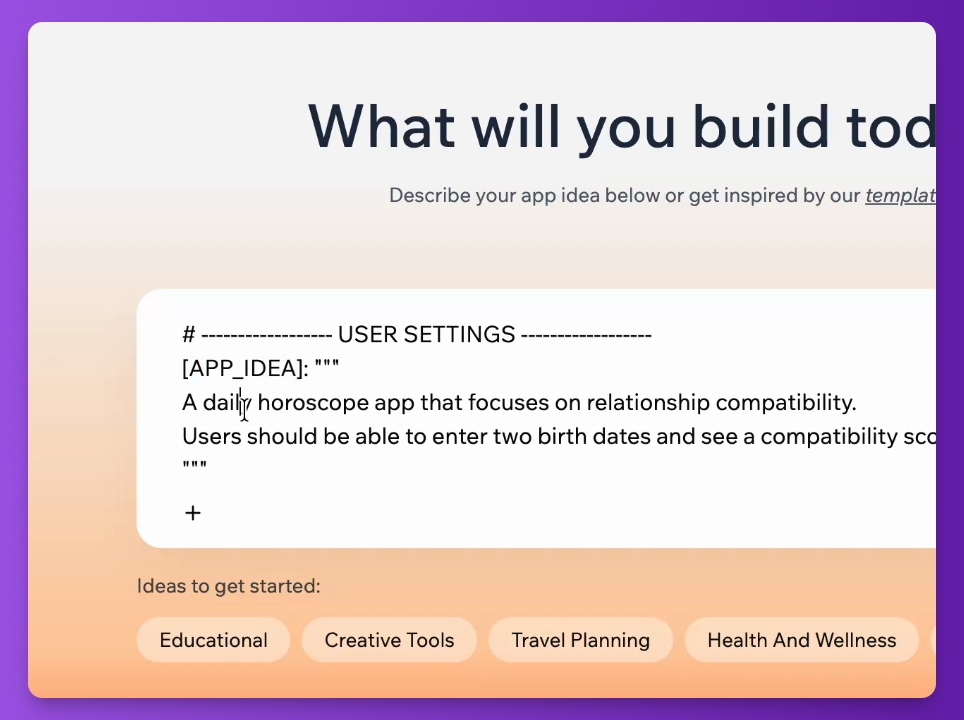
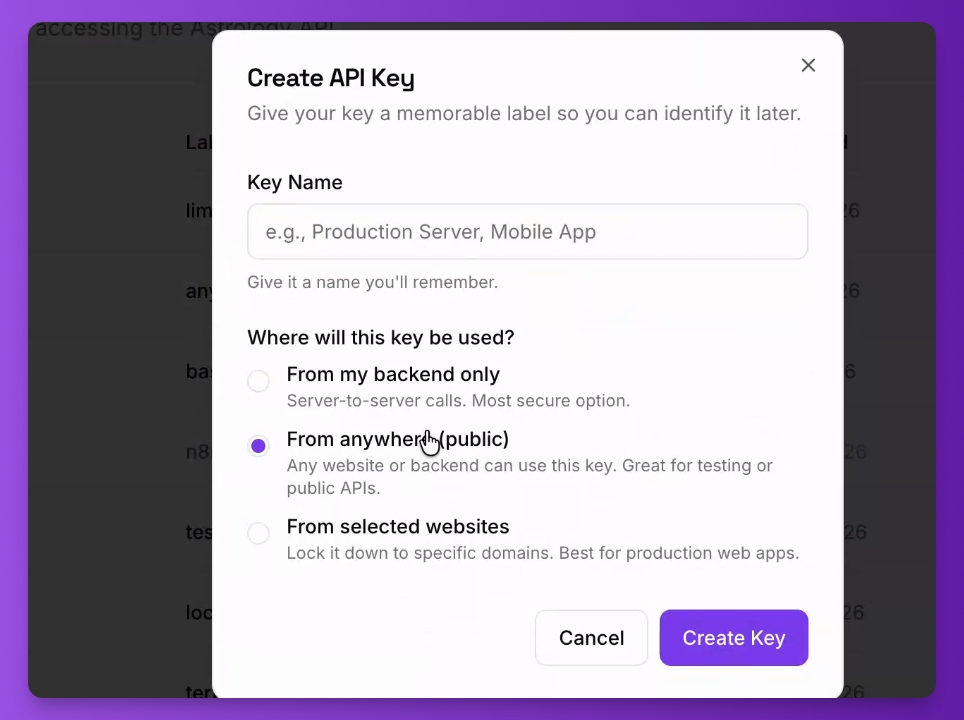
Step 4: Create API key
Navigate to the dashboard, go to API Keys, and click Create a Key.
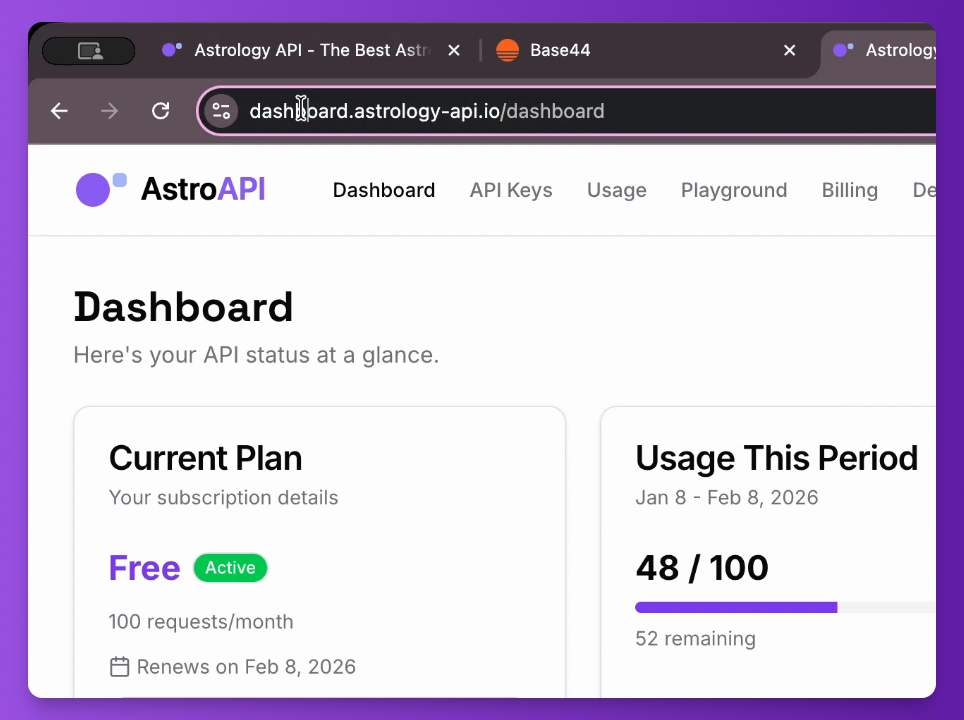
Step 5: Name your key
Name the key base 44 and create the app to proceed.
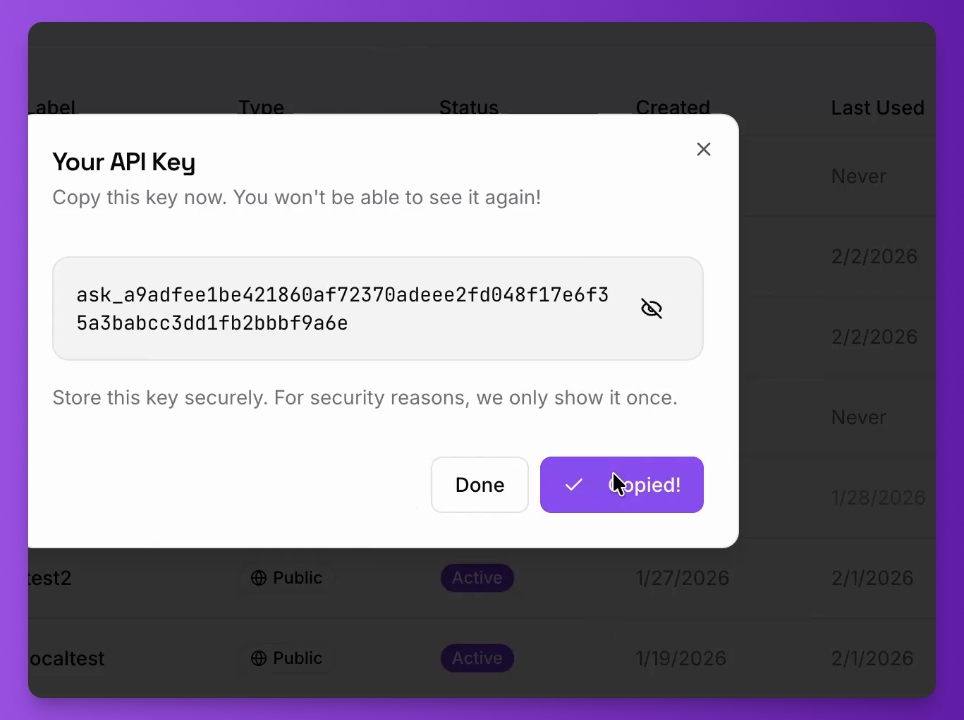
Step 6: Copy API key
Copy the newly created API key and paste it where needed to ensure API access.
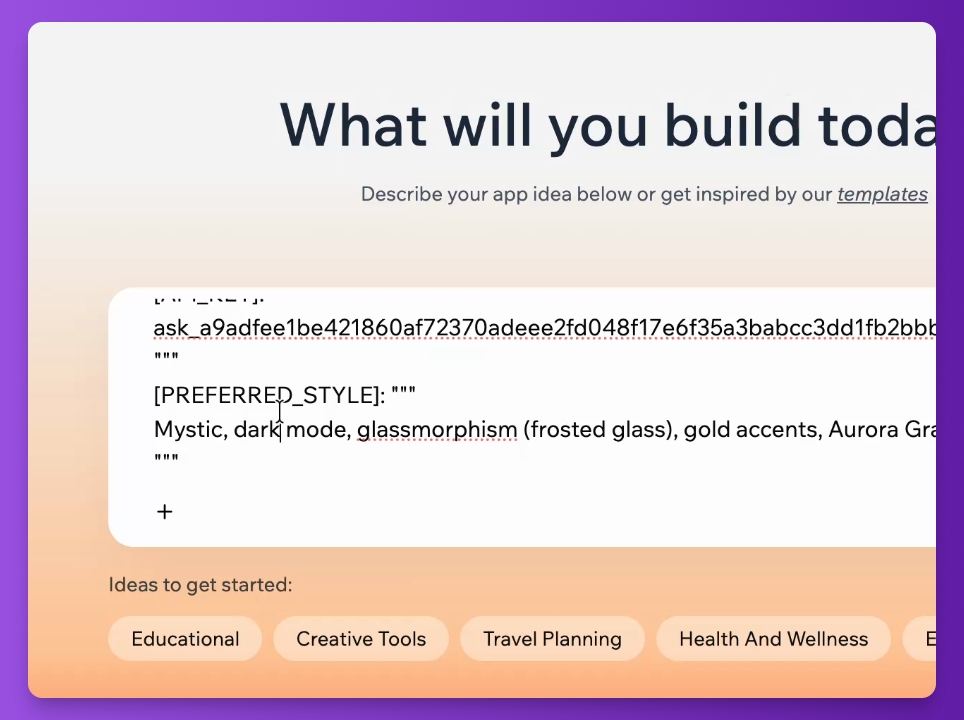
Step 7: Define app style
Customize the app's style by specifying colors and attaching any relevant documentation.
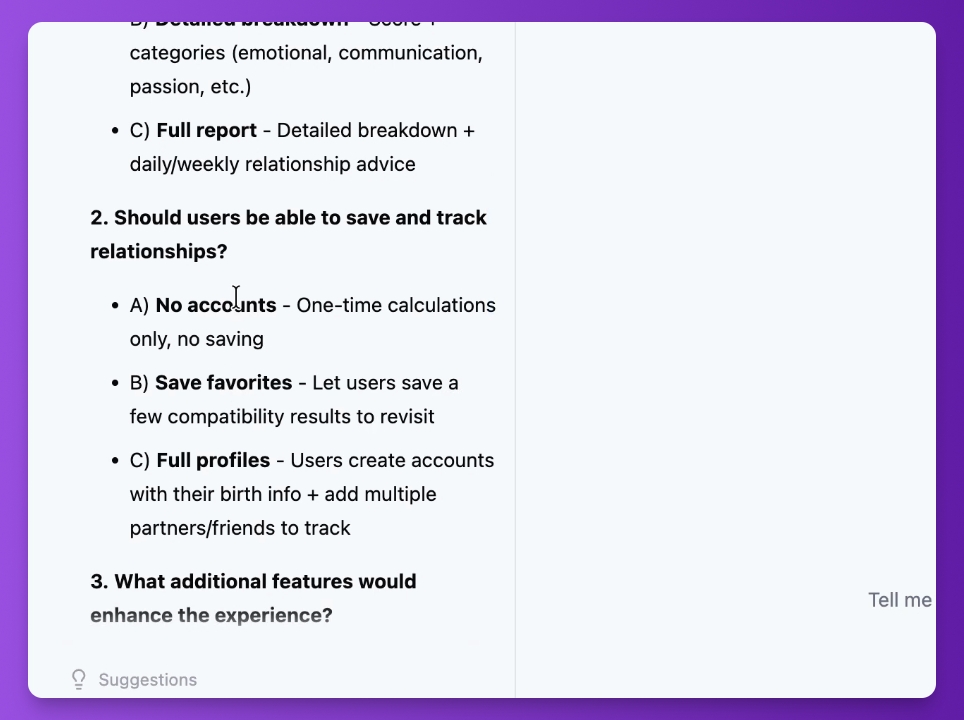
Step 8: Select functions
Choose minimal functions for the app, avoiding user accounts and keeping it simple.
Step 9: Create the app
Wait a few minutes as the app is generated, fetching necessary information from the astrology API.
Step 10: Test the app
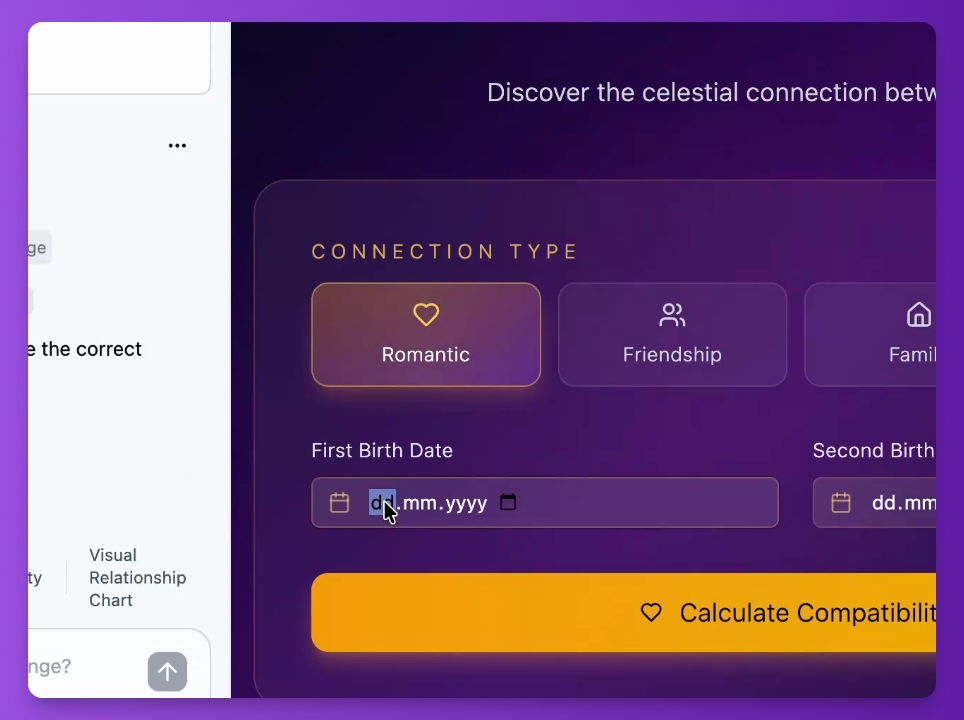
Enter data to calculate the compatibility score and see how the app functions.
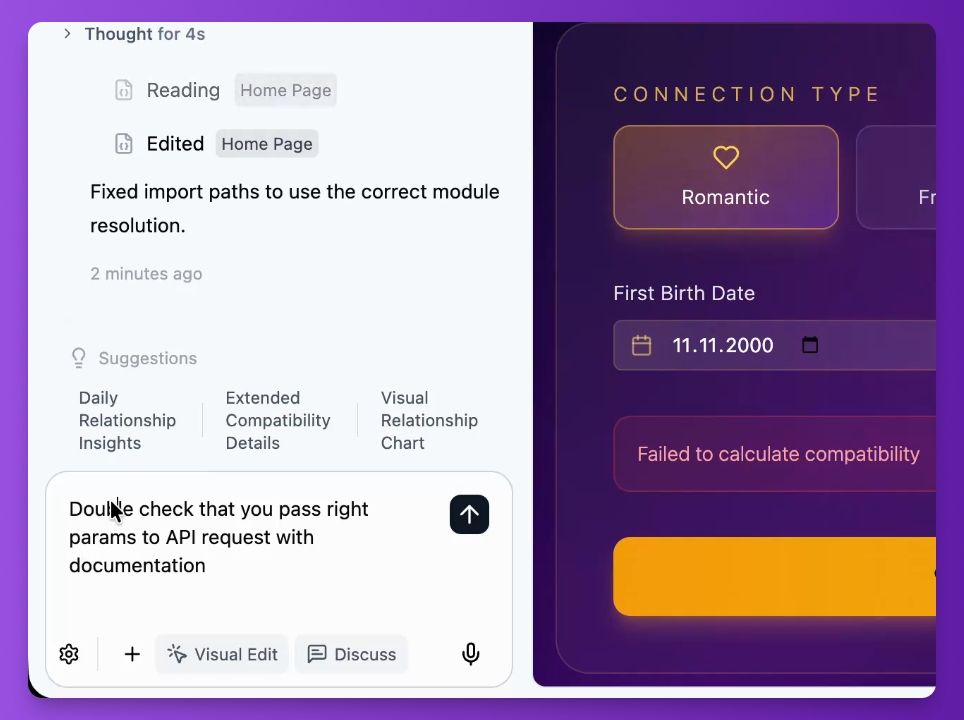
Step 11: Handle errors
If you encounter an error, double-check the parameters passed to the API for corrections.
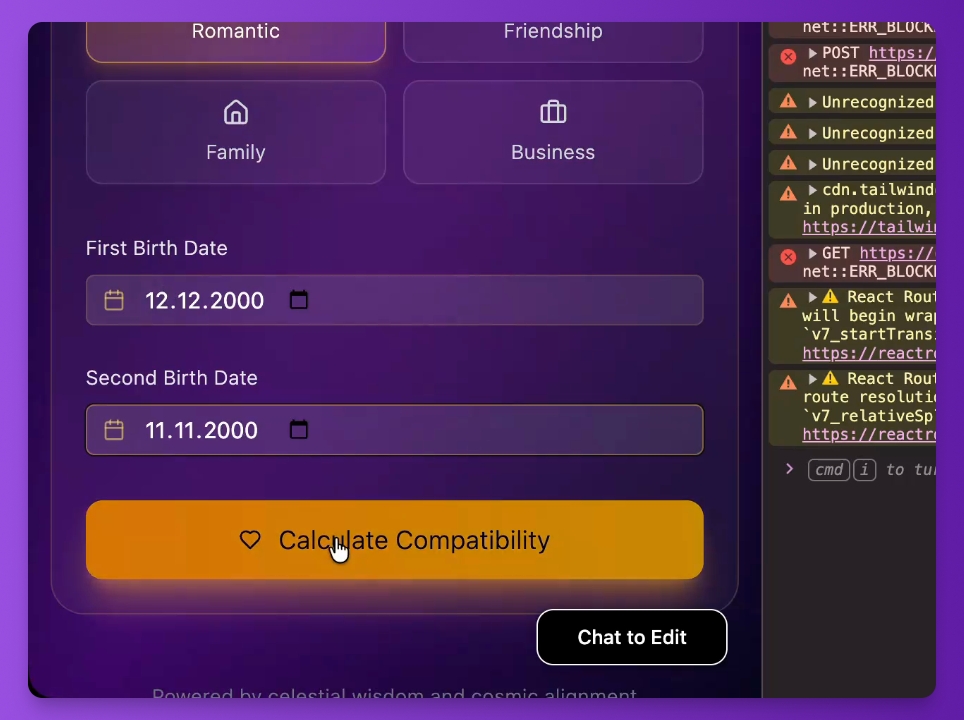
Step 12: Use console for debugging
Open the browser console to check messages and reload the page if necessary.
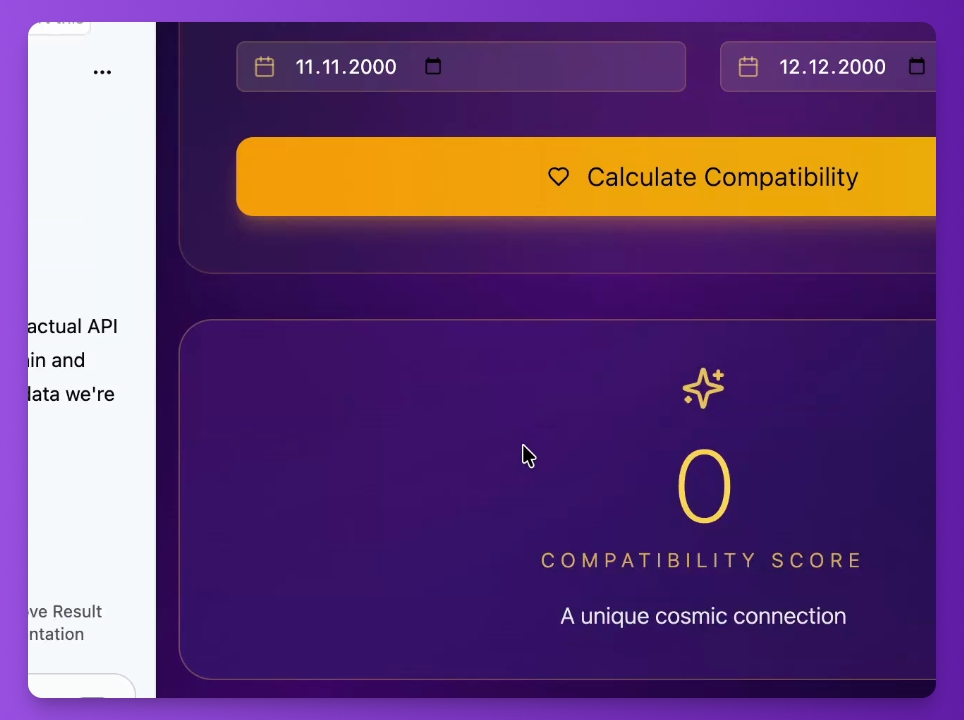
Step 13: Review API response
Check the successful API response for the compatibility score and related information.
Step 14: Finalize compatibility score
Extract the compatibility score and recommendations from the API response.