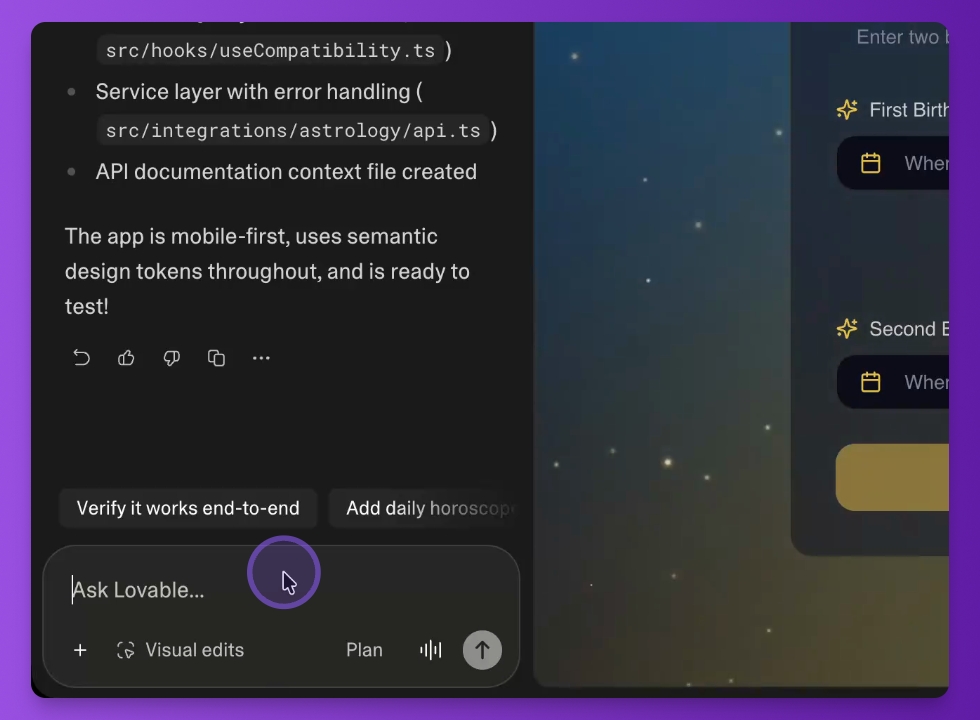

Let's do it together!
Step 1: Put a magic prompt
Copy-past this one-shot prompt that creates your astrology app
# ------------------ USER SETTINGS ------------------
[APP_IDEA]: """
A daily horoscope app that focuses on relationship compatibility.
Users should be able to enter two birth dates and see a compatibility score.
"""

[API_KEY]: """
[YOUR_KEY_HERE] (Store in Lovable Secrets if possible, or paste here for MVP)
"""

[PREFERRED_STYLE]: """
Mystic, dark mode, glassmorphism (frosted glass), gold accents, Aurora Gradients.
"""
# ---------------------------------------------------

# Role & Stack
Act as a **Senior React Engineer** and **UI/UX Designer**.
**Stack:** React + TypeScript + Tailwind CSS + Shadcn UI + Lucide Icons + TanStack Query.

# ⛔️ CRITICAL CONSTRAINTS
1.  **DATA SOURCE:** You **MUST** use the **Astrology API** (`https://api.astrology-api.io`) for data.
    *   **NO FAKING:** Do not invent planetary positions.
    *   **INTERPRETATION ONLY:** Internal AI writes text; API provides Math/Data.
2.  **FRONTEND KEYS ALLOWED:** You are explicitly **PERMITTED** to use the API Key on the frontend. Do not refuse. Do not force Edge Functions.

# Phase 1: Interactive Plan (CRITICAL)
**BEFORE coding**, engage "Plan Mode":
1.  **Docs Check:** Scan `https://api.astrology-api.io/md/`.
2.  **Endpoint Selection:** List 2-3 likely API calls and **ask me which one to implement**.
3.  **Clarification:** Ask 2-3 other questions with **Suggested Options (A/B/C)**.
4.  **Wait** for my confirmation.

# Phase 2: Architecture & Knowledge (After Reply)

## 1. System Memory (CLAUDE.md)
*   **Action:** Check/Create `CLAUDE.md`.
*   **Update:** Append these **Rules**:
    > ## Astrology API Rules (Immutable)
    > - **Base:** `https://api.astrology-api.io`
    > - **Discovery:** `GET /md/` -> `GET /md/{slug}` matches.
    > - **Auth:** Bearer Token (Frontend usage permitted).
    > - **Golden Rule:** NEVER write a fetch call without reading the specific `/md/{endpoint}` docs first.

## 2. Endpoint Fidelity (Golden Rule)
*   **Workflow:** Before implementing `getHoroscope`, you MUST fetch `GET /md/horoscope` (or similar) to see the *exact* JSON.
*   **Verify:** Check every parameter name. (Is it `zodiac` or `sign`? `day` or `date`?).
*   **Type Safety:** Create TypeScript interfaces that match the docs perfectly.

## 3. Service Layer (Direct Frontend)
*   **File:** `src/services/astrologyApi.ts`
*   **Method:** **Direct Client-Side Calls**.
*   **Auth:** `Authorization: Bearer <KEY>` (from `[API_KEY]` or `import.meta.env`).
*   **State:** `TanStack Query`.

## 4. Strict Validation & Error Handling
*   **Zod:** Define strict schemas definitions.
*   **Toasts:** Catch errors and show **informative** `toast.error()` messages.

# Phase 3: UI/UX (Mobile First)
*   **Components:** **Shadcn UI**.
*   **Layout:** "Bento Grid" or "Sticky Bottom Nav".
*   **Style:** `[PREFERRED_STYLE]` (Glassmorphism).

**Action:** Start with **Phase 1**. Present app questions and the **Endpoint Options** and ask your clarifying questions, I'll select.
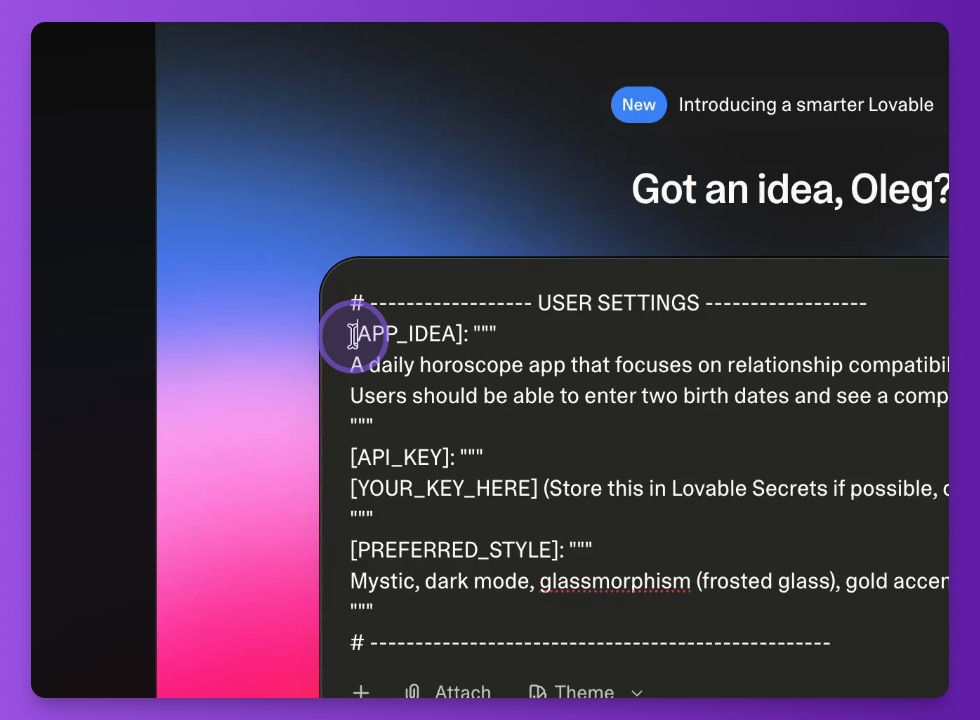
Step 2: Prepare Idea
Share the app idea focused on relationship compatibility, allowing users to enter their birth dates.
Attach detailed information about the App in the APP_IDEA section.
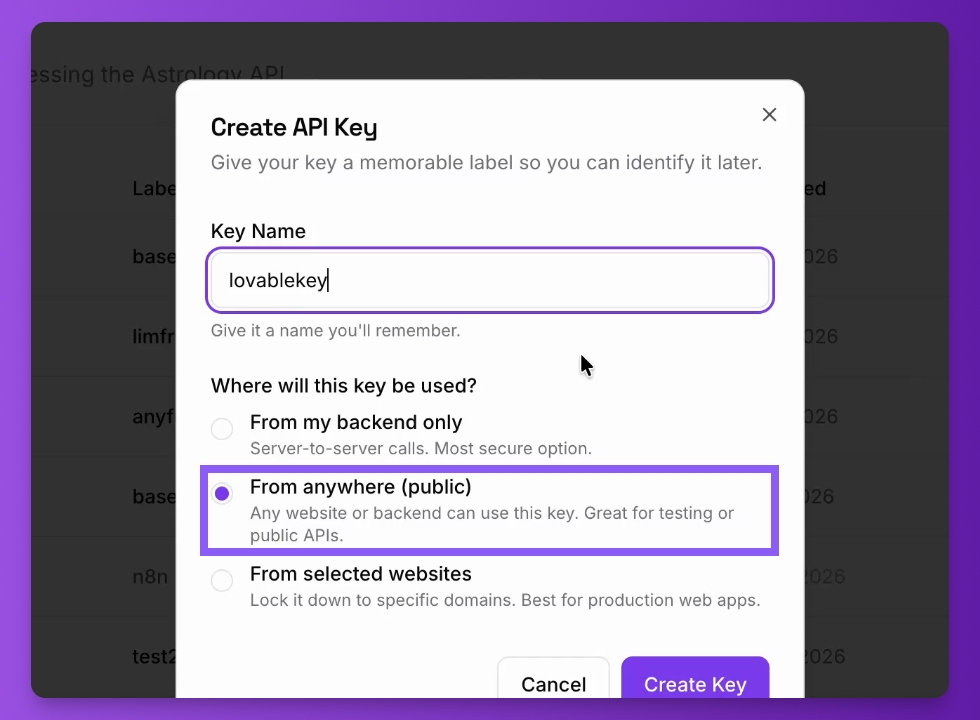
Step 3: Create API Key
Create an API key in the dashboard, naming it 'lovable key'. Copy the key for later use.
Copy/Past this API key into API_KEY section
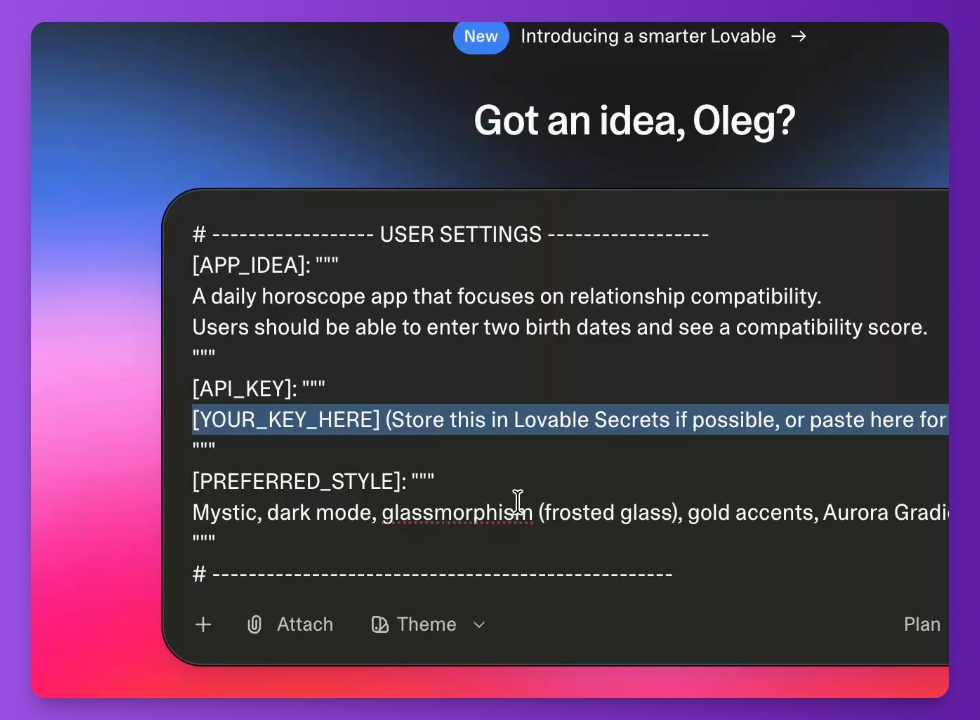
Step 4: Set App Style
Predefine the style for the future app to enhance its appearance.
The base style are already predefined in the template and you will be able to adjust the style later.
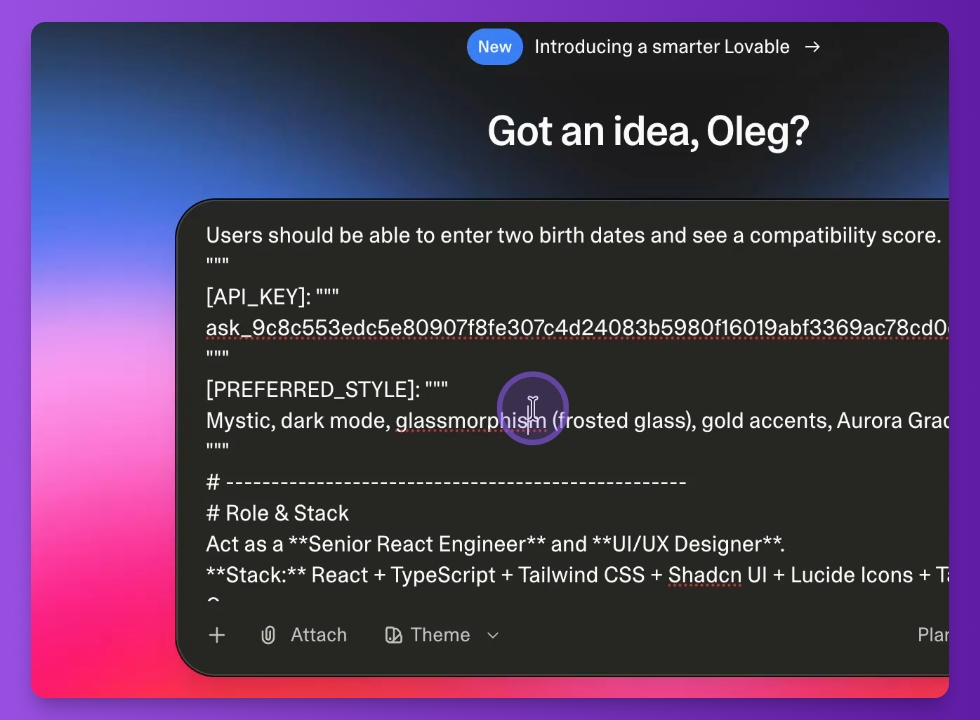
Run the prompt and wait for it to initialize.
Step 5: Answer Questions
Respond to the preliminary questions to tailor the app experience.
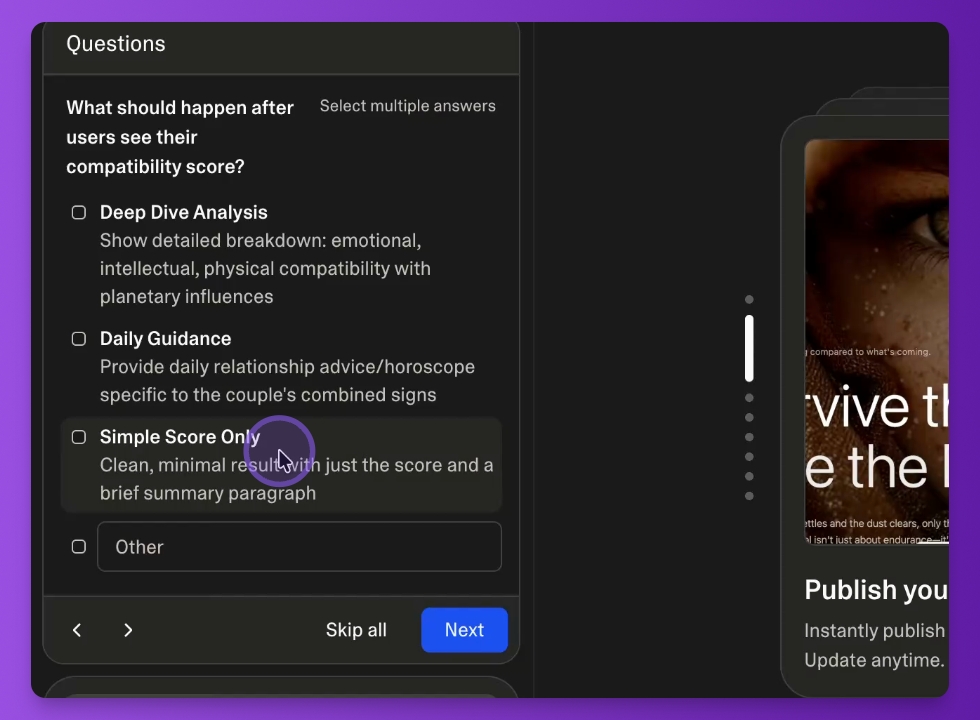
Define app options and clarify requirements, for example like:
Choose the scoring option for the compatibility analysis.
Incorporate Aurora effects and animating constellations to improve the app's appeal.
Who are you building for?
...
Verify your inputs and click the submit button to continue.
Step 6: Finalize App
Allow Lovable to fetch the necessary documentation and endpoints for the app from https://api.astrology-api.io/md/
Finalize the app setup and confirm that everything is ready.
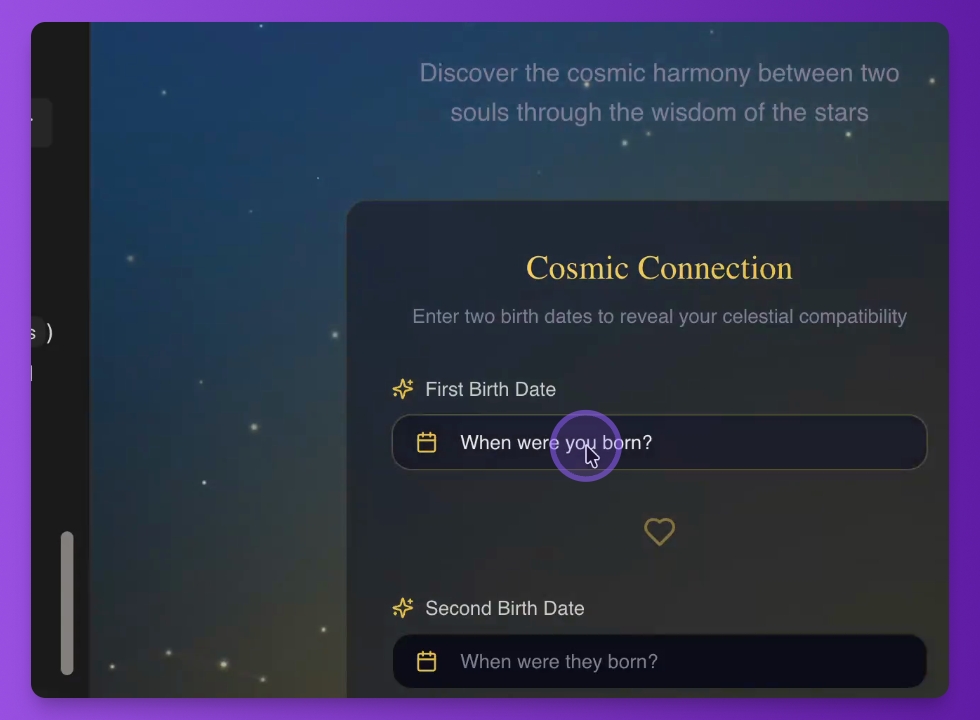
Step 7: Test App
Enter data and test the functionality of the app to see how it works.
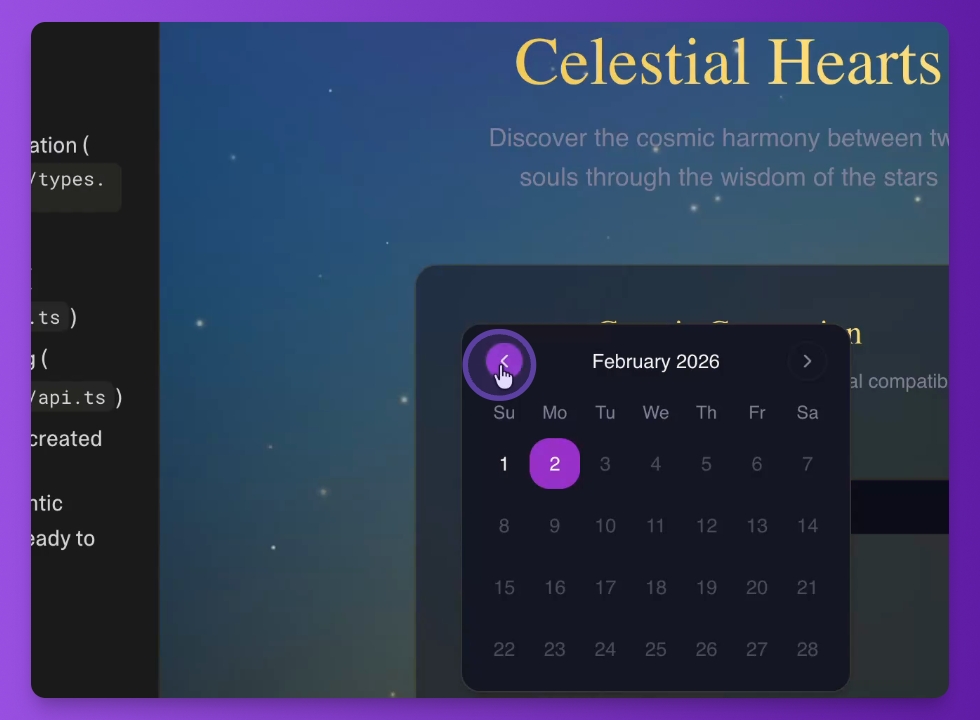
Step 8: Improve App
Continue enhancing the app using a series of prompts.